
Social Media Safe Zone Overlays
Visualize the social media safe zones instantly, or download the transparent PNGs to use directly in your editing software.
Select Platform
Downloads a 1080×1920 PNG for Premiere Pro, CapCut, etc.
Upload image to test
Why Use Social Media Safe Zones
Vertical video (9:16) is the standard, but every app fits your footage differently. Safe zone overlays can prevent a “bad surprise” after uploading your perfect video, only to see it zoomed in or covered by the UI. You can position your video elements and edit faster knowing your framing is correct. If you place text behind a description or under the buttons, you lose engagement. These social media safe zone overlays guide where the interface elements sit on the most popular devices.
Accuracy and Caveats
Achieving absolute precision is difficult because platforms provide minimal official guidance, frequently A/B test new layouts and adjust their UI based on the viewer’s device.
The TikTok and Facebook overlays are very accurate for all devices. The Instagram and YouTube ones are slightly less universal, as they are modeled on the iPhone 12 Pro with an added buffer for broader compatibility. To be extra safe and ensure visibility on less common phone sizes, it is wise to leave a small additional margin. We are continuously refining these templates for future updates.
TECHNICAL BREAKDOWNS
Delve Into Individual Platform Guides

TikTok
Although it has many buttons permanently, TikTok’s video player is designed for unbreakable immersion with very smooth scrolling. It manipulates your 9:16 video to fit different devices aggressively, and sometimes for no reason lowers the whole canvas lower.
Instagram Reels
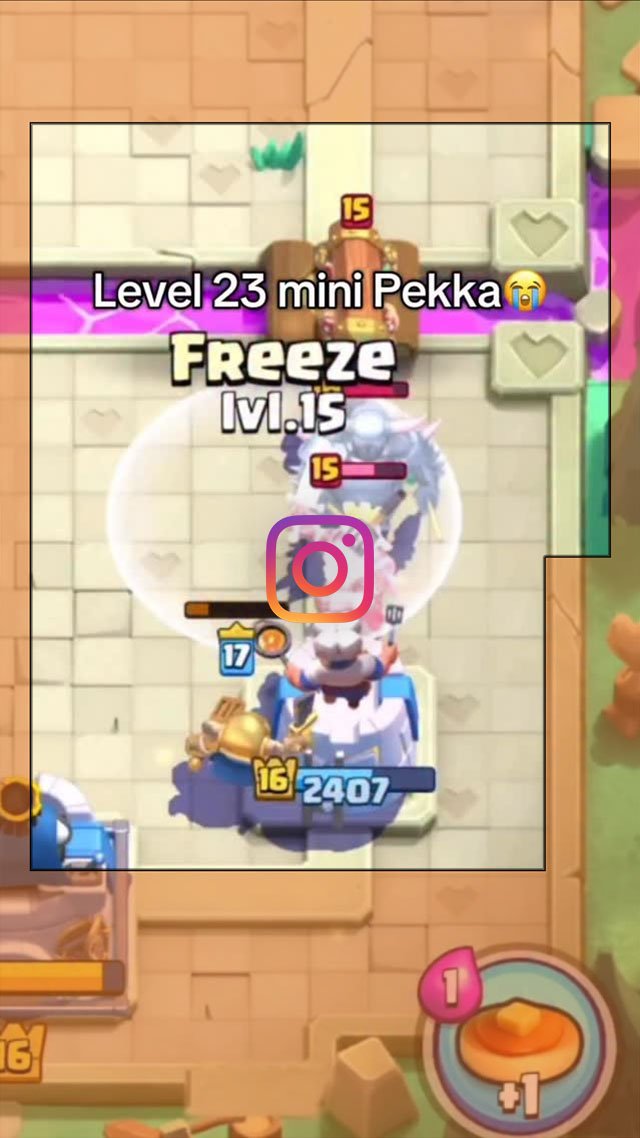
The Reels player is a shapeshifter plagued by a dual-identity crisis. It switches from a full screen into a claustrophobic 4:5 window for the Feed, decapitating subjects without warning while the algorithm often favors the visually chaotic hybrid of square and vertical formats.

Facebook Videos
Facebook is the simplest with a clean interface and videos appearing as they were made – not zoomed in to make them reach the top of the device screen. Beware cross-posting to Instagram without checking could result in cut-off text.

YouTube Shorts
Shorts are similar to Instagram and, but not as welcoming to unusual aspect ratios. YouTube is unique among vertical platforms in that it retains a massive desktop user base. When Shorts are viewed on a monitor, they are unobstructed and not zoomed in.